
Can You Use ChatGPT for Bookkeeping? A Safe Way to Start
By Soniya Ali, Book Keeping Department Head at eLeopards Technologies · 16 Nov 2026 · 6 min read
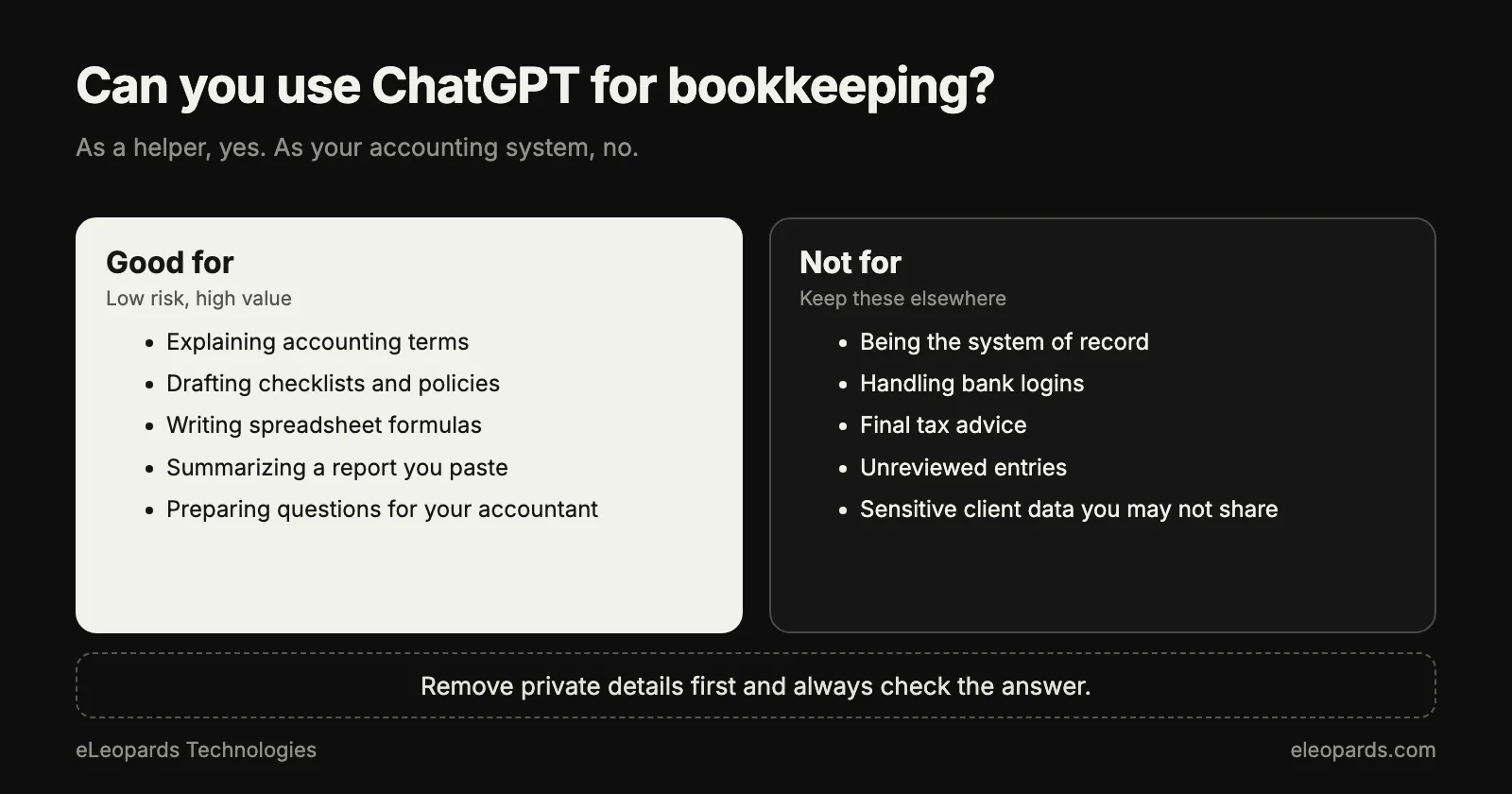
Quick answer
ChatGPT can help with categories, reconciliation notes and month-end checklists. Learn which bookkeeping tasks suit it, which need a person, and how to protect your data.
Yes, you can use ChatGPT for bookkeeping, as a helper rather than as your books. It works well for explaining terms, suggesting categories, drafting checklists and spotting patterns in a list of transactions you paste in. Your accounting software stays the source of truth, and a person reviews anything that affects your tax or your numbers.
What does ChatGPT do well in bookkeeping?
Think of it as a fast, patient assistant for the thinking around your books. It reads a messy bank description and suggests what kind of expense it probably is. It explains why two reports disagree. It turns a vague task into a clear list of steps.
- Suggesting a category for an unfamiliar transaction, with a short reason.
- Explaining accounting terms such as accruals, depreciation or accounts payable in plain language.
- Drafting a month-end checklist tailored to your business type.
- Writing polite reminder emails for overdue invoices.
- Summarising a month of expenses into a few sentences for a non-accountant.
- Helping you write formulas for a spreadsheet you already use.
Which bookkeeping tasks need a person?
Anything where an error costs money or creates a tax problem deserves human review. A model can sound confident while being wrong, so treat every answer as a draft.
- Tax treatment: whether an item is deductible, and in which period.
- Payroll, sales tax and anything filed with a government agency.
- Unusual transactions: refunds, loans, owner contributions and asset purchases.
- Final reconciliation and sign-off at month end.
- Decisions that depend on your local rules, which a general chatbot may not know.
How do you protect financial data when using ChatGPT?
Share the minimum needed. Remove account numbers, full names and anything that identifies a customer before pasting data in. Describe a transaction as “monthly software subscription, $49” instead of copying the full bank line.
Check the privacy and data settings of the plan you use, and prefer a business plan with clear data-handling terms for anything sensitive. If your accountant or bank has rules about where client data may go, follow them.
A simple workflow you can start this week
- Export last month's transactions from your accounting software.
- Remove names and account numbers, keeping the date, amount and a short description.
- Ask for a suggested category and a one-line reason for each unclear item.
- Compare the suggestions with your chart of accounts and accept only the ones that fit.
- Record the rules you agree with, such as “any payment to this vendor is software”, so the answer is the same next month.
- Have a bookkeeper or accountant review the month before you file anything.
Useful prompts to try
- “Here are ten bank descriptions. Suggest a category for each and tell me which ones you are unsure about.”
- “Write a month-end checklist for a small online shop that uses a card processor and a bank account.”
- “Explain the difference between an invoice date and a payment date, with one example.”
- “Draft a friendly reminder for an invoice that is two weeks overdue.”
When does dedicated AI bookkeeping software make sense?
A general chatbot is a good place to learn and experiment. Once you process many transactions every month, software built for accounting connects to your bank feeds, keeps an audit trail and categorises automatically. Many accounting tools now include AI features, so check what your current software already offers before adding another subscription.
If you would rather hand the whole job to people who combine good tools with careful review, that is the service our bookkeeping team provides.
Common questions
- Can ChatGPT do my bookkeeping?
- It works as a helper: it suggests categories, explains terms and drafts checklists. Your accounting software holds the records, and a person reviews anything that affects tax or your final numbers.
- Is it safe to paste financial data into ChatGPT?
- Share only what is needed, remove account numbers and customer names, and use a plan whose data-handling terms suit the sensitivity of your information.
Sources and further reading
- IRS: recordkeeping for small businesses — What records to keep and for how long
- U.S. Small Business Administration: manage your finances — Budgeting, accounting and cash flow basics
Want help with this?
Tell us what you are working on and we will reply within one business day.