
AI Invoice Processing: How It Works and How to Start
By Soniya Ali, Book Keeping Department Head at eLeopards Technologies · 16 Nov 2026 · 6 min read
Quick answer
AI invoice processing reads supplier invoices, extracts the details and prepares bills for approval. See how it works, what to check and a safe way to start.
AI invoice processing reads a supplier invoice, pulls out the vendor, date, amounts and line items, suggests the right category and prepares a bill for approval. You review and approve instead of typing. It is one of the most practical places for a small business to start with AI in bookkeeping, because the work is repetitive and easy to check.
How does AI invoice processing work?
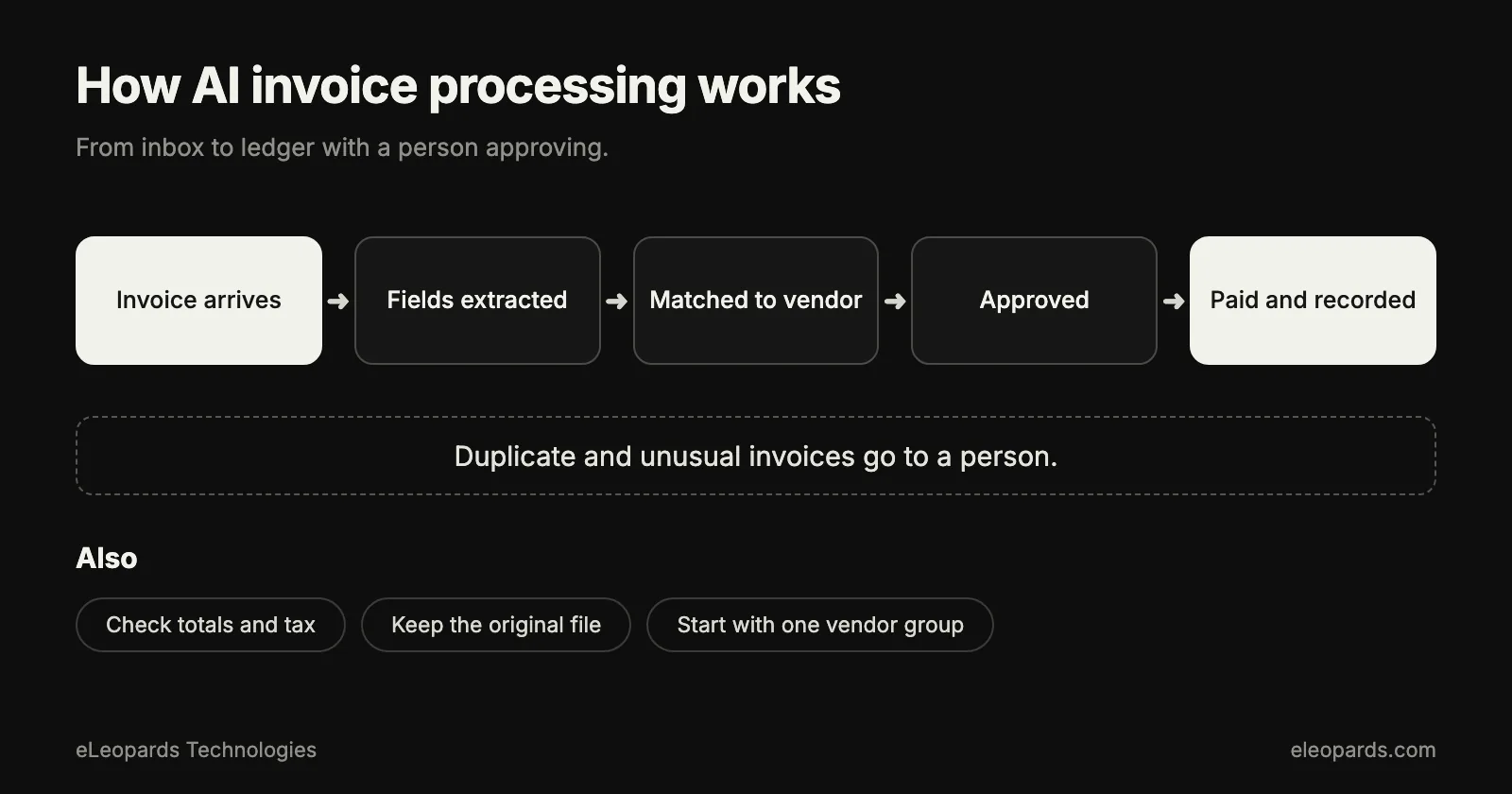
- An invoice arrives as a PDF, an image or an email attachment.
- Text recognition reads the document, even when the layout is new.
- A model identifies the fields: vendor, invoice number, dates, tax, totals and line items.
- The system suggests an account and a tax code, based on how you coded earlier invoices from the same vendor.
- A draft bill appears in your accounting software, ready for review.
- Someone approves it, and the payment is scheduled.
Why is it a good first automation?
Invoice entry happens often, follows the same steps each time and is boring for the people doing it. A mistake is easy to spot, because the extracted total can be compared with the document. These are the same traits that make a task a good candidate for any automation project.
What should you check before trusting it?
- Totals: the extracted total, tax and line items add up to the invoice.
- Vendor matching: the right supplier is selected, not a similar name.
- Duplicates: the same invoice number from the same vendor is flagged.
- Coding: the suggested category and tax code match your chart of accounts.
- Approvals: a person confirms every bill, at least until the results prove reliable.
What does a safe rollout look like?
Start with your five or ten most regular suppliers. Run the tool alongside your normal process for a month and compare the results. Track how often a field needed correction. Expand to more vendors once the corrections become rare, and keep approvals in place for new vendors and large amounts.
What about security and privacy?
- Choose a provider with clear terms on how invoice data is stored and used.
- Give the tool access only to the mailbox folder or upload location it needs.
- Require approval before any payment is sent.
- Keep the original document attached to each bill for your records.
- Review who can approve or change payment details for suppliers.
How do you measure the payoff?
Record the minutes spent per invoice before you start, then again after a month. Add the number of corrections needed and any late-payment fees avoided. If the tool saves time and the error rate stays low, extend it to expense receipts. If not, you have learned that cheaply.
A bookkeeper can set up the coding rules and approval flow so the tool starts from clean data. That is part of the bookkeeping service our team offers.
Common questions
- How does AI invoice processing work?
- It reads an invoice, extracts the vendor, dates, tax and line items, suggests a category, and prepares a draft bill for a person to approve.
- What should I check first?
- Confirm the totals match the document, the right vendor is selected, duplicates are flagged and the suggested coding fits your chart of accounts.
Sources and further reading
- IRS: recordkeeping for small businesses — What records to keep and for how long
- U.S. Small Business Administration: manage your finances — Budgeting, accounting and cash flow basics
Want help with this?
Tell us what you are working on and we will reply within one business day.