
AI Receipt Scanning and Expense Categorization Setup
By Soniya Ali, Book Keeping Department Head at eLeopards Technologies · 16 Nov 2026 · 5 min read
Quick answer
Set up AI receipt scanning and expense categorisation step by step: capture habits, rules, review days and tips to keep your records audit-ready.
AI receipt scanning turns a photo of a receipt into a categorised expense with the date, vendor, amount and tax filled in. Set it up by choosing one capture method, creating rules for repeat vendors and reviewing the results on a fixed day. This saves typing and keeps a clean paper trail for your accountant.
How does receipt scanning work?
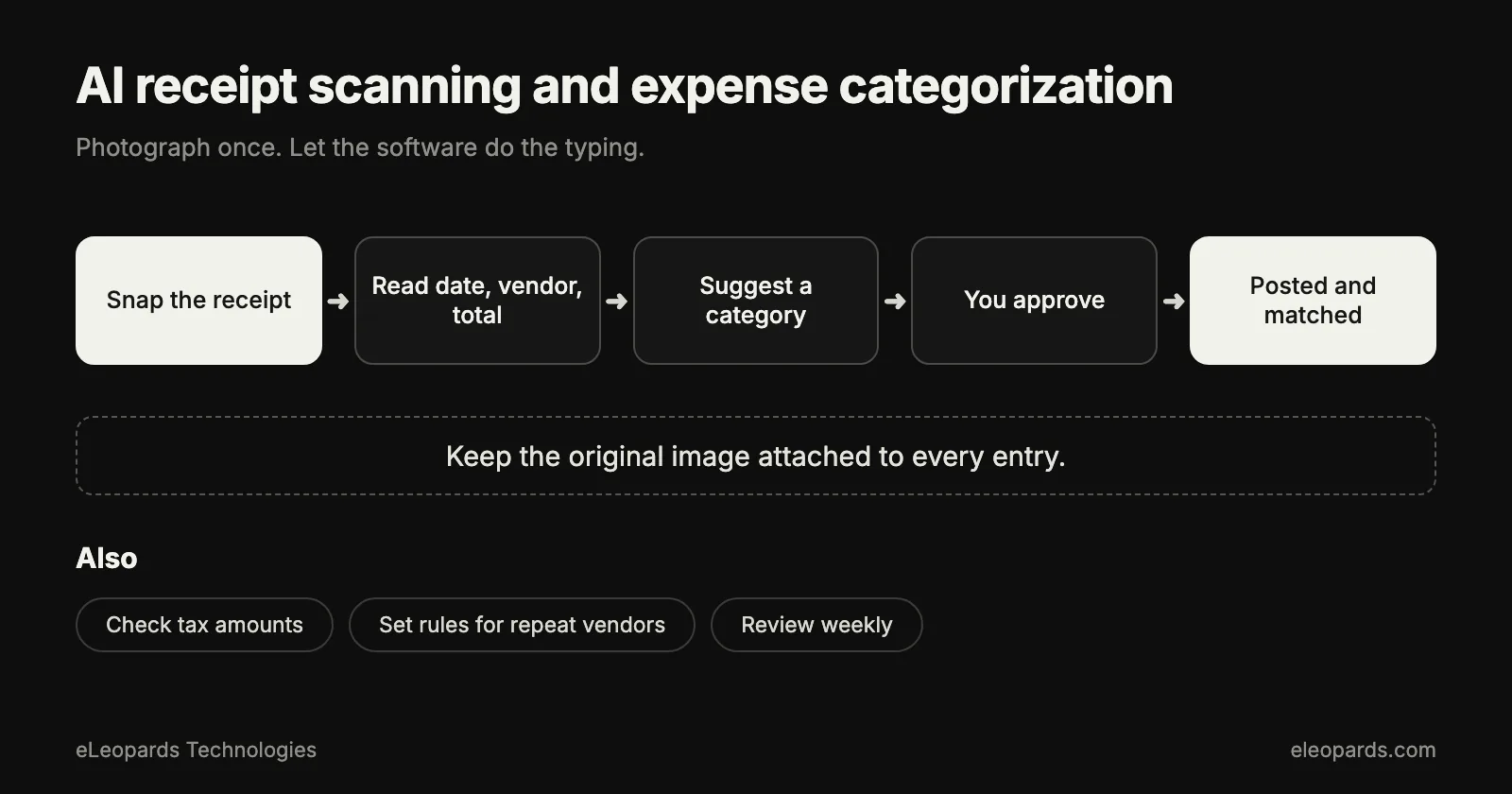
- You photograph a receipt or forward an emailed one.
- Text recognition reads the document.
- A model extracts the vendor, date, total, tax and payment method.
- The tool suggests a category based on earlier expenses from the same vendor.
- The expense appears in your books, with the image attached.
How do you set it up?
- Choose one place where receipts go, such as a phone app or a dedicated email address.
- Connect it to your accounting software and your card or bank feed.
- Create a short list of categories that fit your business.
- Add rules for your regular vendors, such as fuel, software and office supplies.
- Decide who reviews and on which day each week.
What habits keep it accurate?
- Capture receipts the same day, while the purchase is fresh.
- Take photos on a flat surface with good light and the whole receipt visible.
- Add a quick note for business purpose when the vendor alone leaves the purpose unclear.
- Separate personal and business cards, so categories stay clean.
- Fix a wrong category once and let the rule learn from it.
What should you review each week?
- Expenses the tool marked as uncertain.
- Totals that look unusual for the vendor.
- Receipts that match a card transaction twice.
- Items that may need a different tax treatment.
- Cash purchases that still lack an image.
How long should you keep receipts?
Retention rules differ by country and by type of record, so confirm the period with your accountant or tax authority. Digital copies attached to each entry are usually easier to organise and search than paper.
How do you know it is paying off?
Track the time you spend on expenses each month before and after, and count how many entries needed a correction. Falling time and a falling correction count mean the setup is working. A bookkeeper can tune your categories and rules at the start, which makes the first month much smoother.
Common questions
- How does AI receipt scanning work?
- It reads a photo or emailed receipt, extracts the vendor, date, total and tax, suggests a category and attaches the image to the expense.
- How do I keep scanned receipts accurate?
- Capture them the same day, photograph the whole receipt in good light, create rules for regular vendors and review uncertain items on a fixed day each week.
Sources and further reading
- IRS: recordkeeping for small businesses — What records to keep and for how long
- U.S. Small Business Administration: manage your finances — Budgeting, accounting and cash flow basics
Want help with this?
Tell us what you are working on and we will reply within one business day.