
AI Bookkeeping Software for Small Business: What to Compare
By Soniya Ali, Book Keeping Department Head at eLeopards Technologies · 16 Nov 2026 · 6 min read
Quick answer
Choosing AI bookkeeping software? Compare bank feeds, categorisation, invoice capture, reporting, review controls and support with this practical checklist.
The best AI bookkeeping software for a small business is the one that connects to your bank, categorises transactions accurately, shows you why it made each choice and lets a person approve the result. Compare tools on those basics first, then on reporting, integrations and support. Many established accounting tools now include AI features, so check what you already pay for before adding another subscription.
What does AI bookkeeping software actually do?
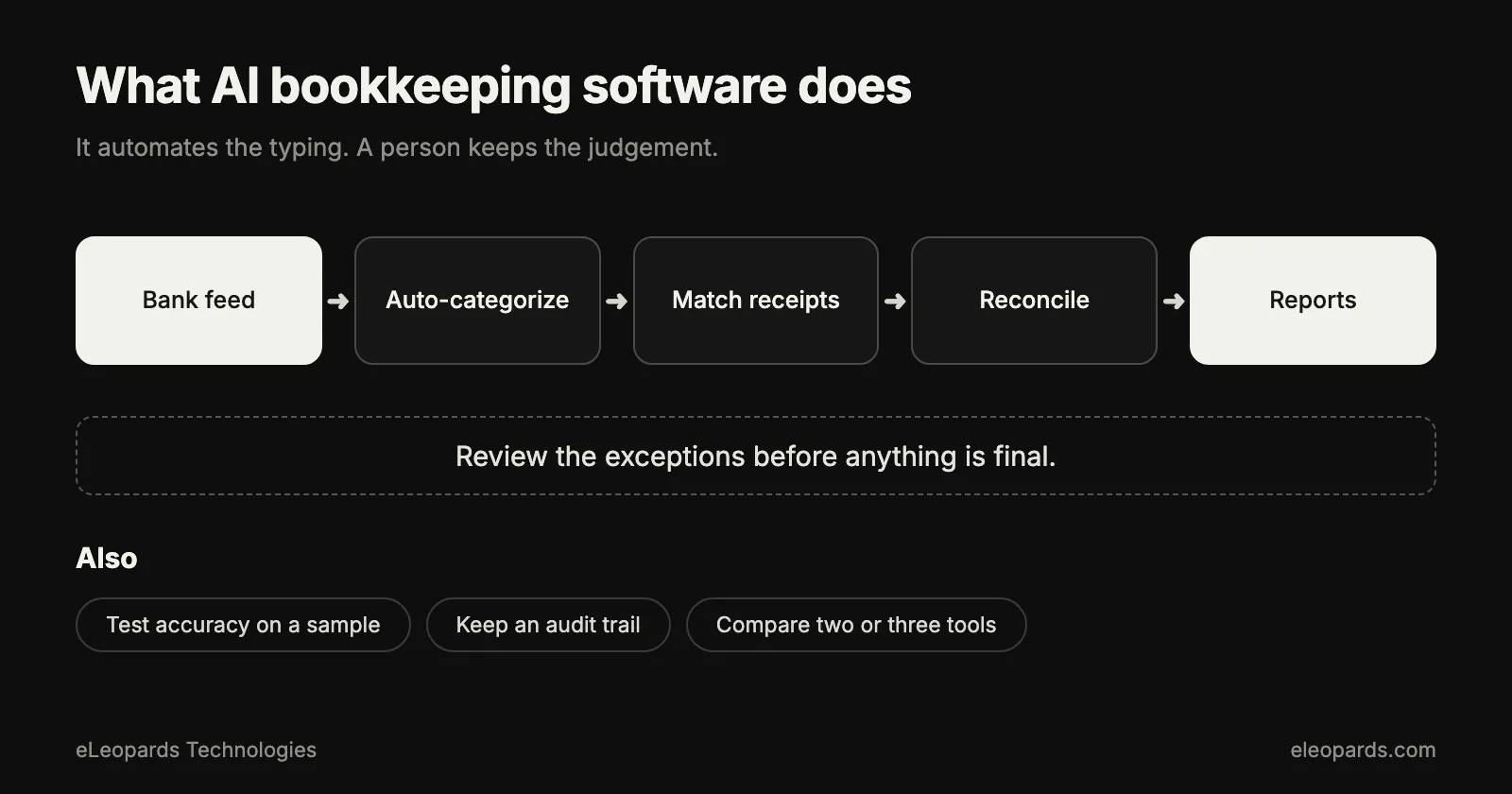
- Imports bank and card transactions through a live feed.
- Suggests categories and learns from your corrections.
- Reads invoices and receipts and prepares draft bills and expenses.
- Matches payments to invoices and proposes reconciliations.
- Flags duplicates, unusual amounts and missing documents.
- Answers questions about your numbers in plain language.
What should you compare first?
- Bank connections: does it support your bank and the cards and payment processors you use?
- Categorisation: can you see the reason for each suggestion and create rules from corrections?
- Document capture: how well does it read your suppliers' invoices and your receipts?
- Reconciliation: does it propose matches and show the remaining exceptions clearly?
- Review controls: can you approve, undo and see a history of every change?
- Reports: profit and loss, balance sheet and cash flow that your accountant accepts.
What about tax and compliance features?
Check that the software handles the sales tax or VAT rules for the places you sell, and that it exports clean data for your accountant. Features that suggest tax treatment are helpful drafts. A qualified person should confirm anything that goes on a tax return.
How do you test a tool before committing?
- Import one real month of transactions into a trial account.
- Count how many categories were right without any correction.
- Upload ten real invoices and check each extracted total.
- Ask your accountant whether the reports and exports suit their workflow.
- Time how long the monthly reconciliation takes compared with your current method.
Which questions should you ask a vendor?
- Where is my data stored, and who can access it?
- Is my data used to train models, and can I opt out?
- Can I export everything if I leave?
- What support is available when something looks wrong?
- How are price changes announced as my transaction volume grows?
Should you pick one tool or combine several?
One accounting platform with built-in AI is simpler to run and easier for your accountant to review. Add a specialist tool, such as an invoice reader, only when a clear gap remains after a month of use. Fewer connected tools means fewer places for data to go out of sync. Our comparison of QuickBooks, Xero and Zoho is a good starting point for the platform decision.
Common questions
- What should I look for in AI bookkeeping software?
- Reliable bank feeds, categorisation that explains its choices, invoice and receipt capture, reconciliation help, approval controls, and reports your accountant accepts.
- How do I test AI bookkeeping software?
- Import one real month of transactions, count the categories that were right without correction, upload ten real invoices and compare the totals, and ask your accountant to review the exports.
Sources and further reading
- IRS: recordkeeping for small businesses — What records to keep and for how long
- U.S. Small Business Administration: manage your finances — Budgeting, accounting and cash flow basics
Want help with this?
Tell us what you are working on and we will reply within one business day.