
A Technical SEO Checklist for Small Business Websites
By Ahad Karim, Content Manager at eLeopards Technologies · 12 Sept 2026 · 6 min read
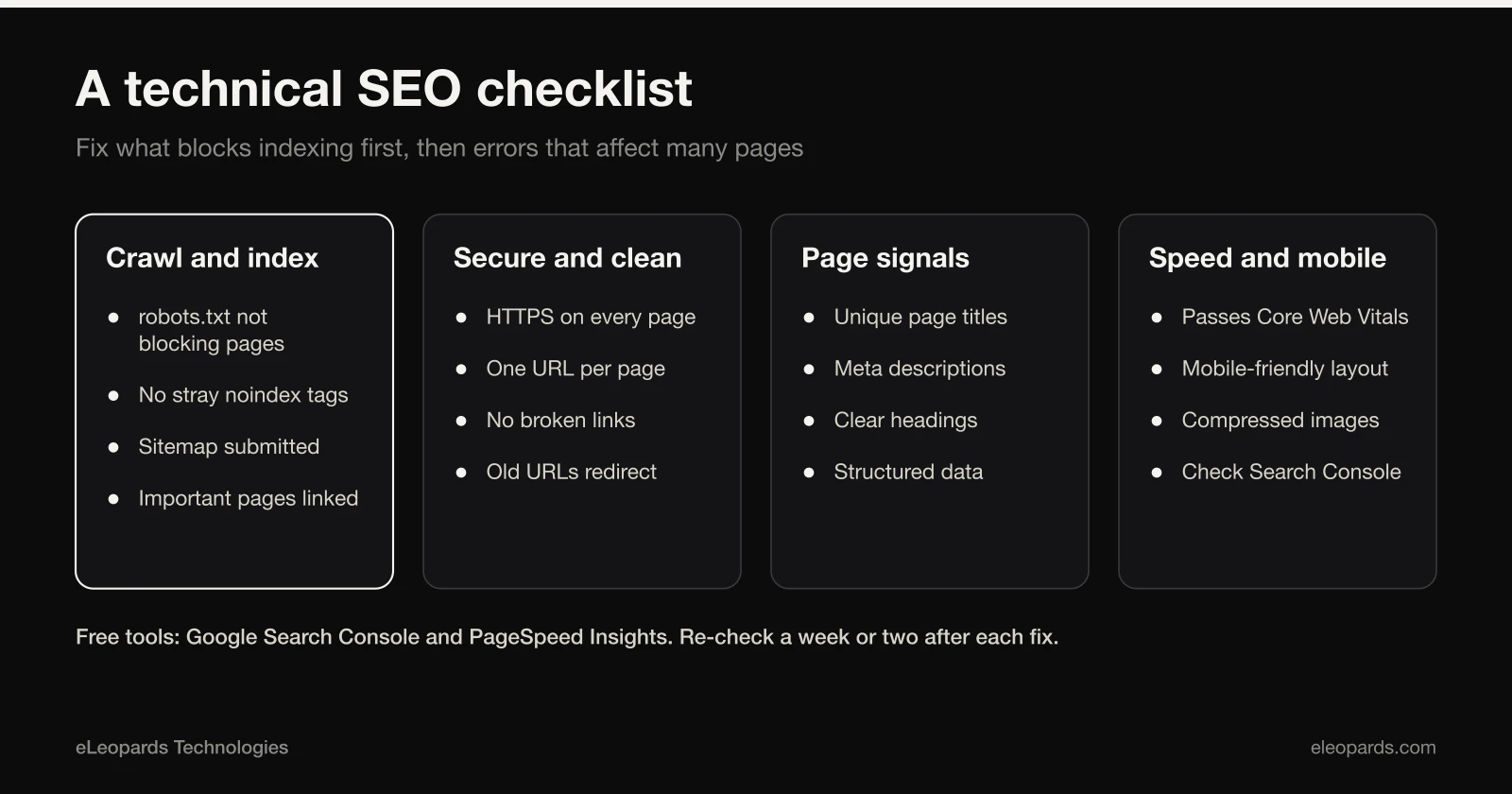
Quick answer
The technical basics that decide whether Google can find, read and trust your site.
Great content cannot rank if search engines cannot crawl or understand your site. This checklist covers the technical basics every small business site should get right.
Crawling and indexing
- Your robots.txt does not block pages you want found.
- An XML sitemap lists your real pages and is submitted in Google Search Console.
- Every page has one canonical URL, written as a full absolute address.
- Old or deleted pages return a proper 404 or a 301 redirect, not a blank page.
On-page basics
- One clear H1 per page that matches what the page is about.
- A unique title (about 50 to 60 characters) and meta description (about 150 characters) on every page.
- Descriptive alt text on meaningful images.
- Internal links between related pages using descriptive link text.
Speed and mobile
- Pages pass Core Web Vitals on mobile.
- Images are compressed and sized correctly.
- The layout works on a small screen without sideways scrolling.
Structured data
Add schema.org markup for your Organization, and for pages like FAQs, services and articles. It helps search engines and AI assistants understand who you are and what each page covers.
Security and trust basics
Your whole site should load over HTTPS, and the plain http address should redirect to the secure one. Browsers warn visitors about insecure pages, and search engines prefer secure sites. Check that no page loads images or scripts over http, because that can trigger mixed-content warnings.
Common problems worth checking first
- Important pages blocked by a robots.txt rule or a stray noindex tag.
- Duplicate versions of the same page, such as with and without a trailing slash.
- Broken internal links and old pages that return errors.
- Missing or duplicated page titles and meta descriptions.
- Pages that are not in the sitemap or not linked from anywhere.
The free tools to use
Google Search Console shows which pages are indexed, which are not and why, plus the queries people use to reach you. PageSpeed Insights reports speed and Core Web Vitals for any URL. A crawler such as Screaming Frog's free version can scan a small site for broken links and missing tags. Together they cover most of what a small business needs.
How to prioritise the fixes
Start with anything that stops pages being indexed, since nothing else matters if search engines cannot see the page. Next fix errors that affect many pages at once, such as a template that outputs a bad title. Leave cosmetic improvements for last. Re-check Search Console a week or two after each change to confirm it worked.
Make it a habit
Check Google Search Console monthly for indexing errors and coverage drops. Most technical SEO problems are easy to fix when caught early.
Common questions
- What should a small business fix first in technical SEO?
- Anything that stops pages being indexed, such as a robots.txt block or a noindex tag, then errors that affect many pages at once, then smaller improvements.
- Which free tools help with technical SEO?
- Google Search Console for indexing and queries, PageSpeed Insights for speed and Core Web Vitals, and a free crawler to find broken links and missing tags.
Want help with this?
Tell us what you are working on and we will reply within one business day.
Start a Project