
Google Business Profile: Setup and Optimization for Local Visibility
By Ahad Karim, Content Manager at eLeopards Technologies · 8 Oct 2026 · 5 min read
Quick answer
How to claim, complete and maintain your Google Business Profile so customers can find you.
For local businesses, your Google Business Profile is often the first thing a customer sees. Getting it accurate and complete costs nothing and pays off.
Claim and verify
Search for your business, claim the listing and complete Google's verification. Unclaimed or unverified profiles are easy to get wrong or lose control of.
Keep the basics accurate
- Business name exactly as it appears in real life.
- Correct address and map pin location.
- Phone number and website.
- Opening hours, including holiday changes.
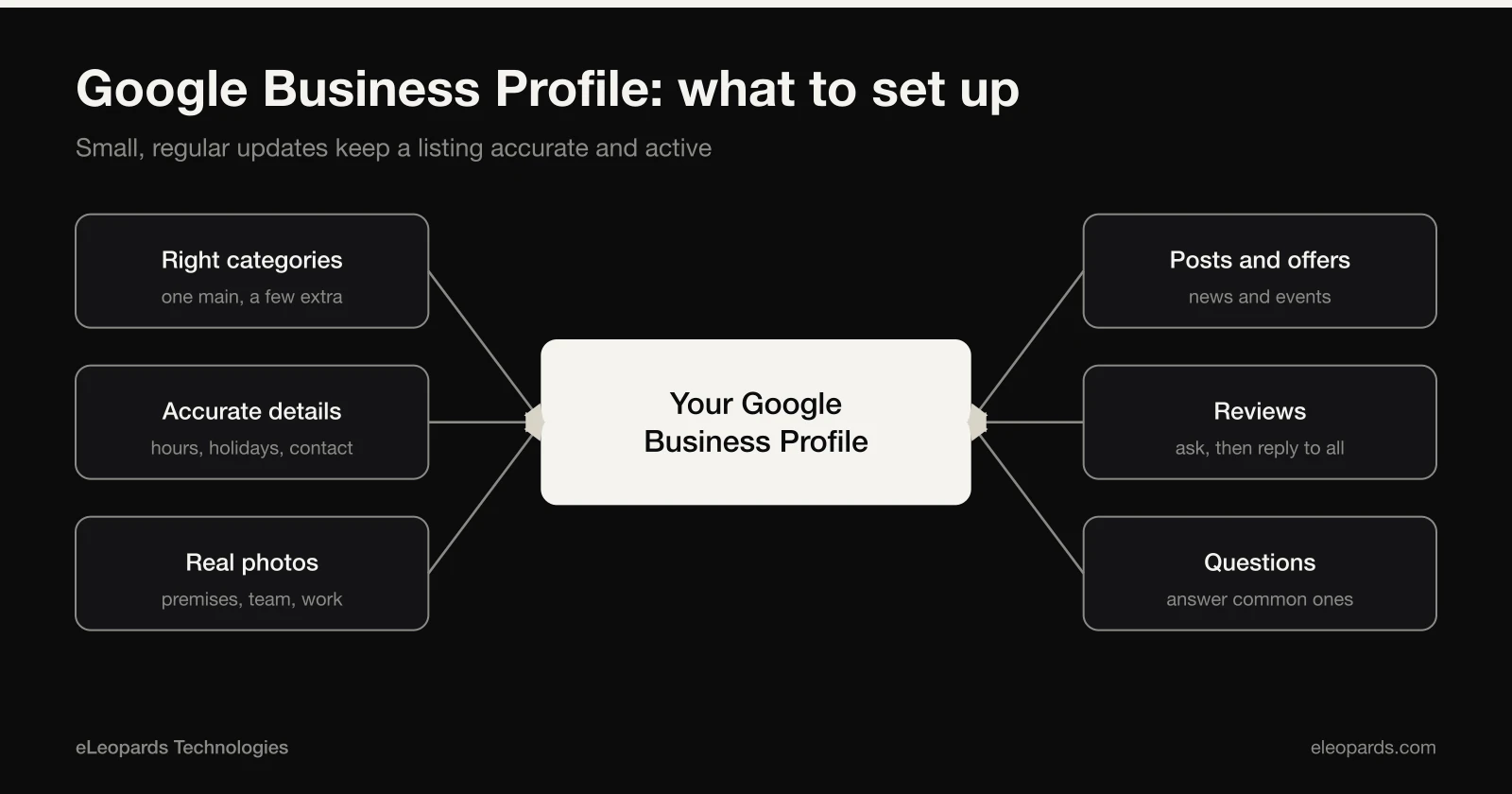
- Primary category and any relevant secondary ones.
Add useful detail
- A clear description of what you do and who you serve.
- Your list of services.
- Real photos of your team, space and work.
Reviews
Ask satisfied customers to leave an honest review and reply to every review, positive or negative, politely. Never buy or fake reviews, which breaks Google's rules.
Choose your categories carefully
Your main category tells Google what kind of business you are and has a strong effect on which searches you appear for. Pick the one that best describes your core service, then add a few secondary categories for other things you genuinely offer. Avoid adding categories that do not apply.
Photos and updates that help
- Clear photos of your premises, team, products and work.
- Up-to-date opening hours, including holidays.
- Posts about offers, news or events.
- Answers to questions customers often ask.
Handling reviews well
Ask satisfied customers to leave a review, and make it easy by sharing a direct link. Reply to every review, thanking people for good ones and responding calmly and helpfully to critical ones. Future customers read your replies as much as the reviews themselves.
Keep it fresh
A profile that is never updated looks abandoned. Check it each month: confirm the details are right, add a new photo, and respond to new reviews and questions. Small, regular updates keep the listing accurate and show customers you are active.
Keep NAP consistent
Your name, address and phone number should match across your website, social profiles and directories. Inconsistencies confuse both customers and search engines.
Common questions
- How do I get started with a Google Business Profile?
- Claim your listing, verify that you own the business, then fill in accurate details, pick the right categories, add photos and keep hours up to date.
- How should I handle customer reviews?
- Ask happy customers to leave a review, share a direct link, and reply to every review politely, including critical ones.
Want help with this?
Tell us what you are working on and we will reply within one business day.
Start a Project