
Core Web Vitals Explained in Plain English
By Aqib Jon, Web Developer at eLeopards Technologies · 19 Sept 2026 · 5 min read
Quick answer
What LCP, INP and CLS measure, what good scores look like, and the quickest fixes.
Core Web Vitals are Google's measures of how a page feels to use. They sound technical, but each one maps to something a visitor notices.
The three metrics
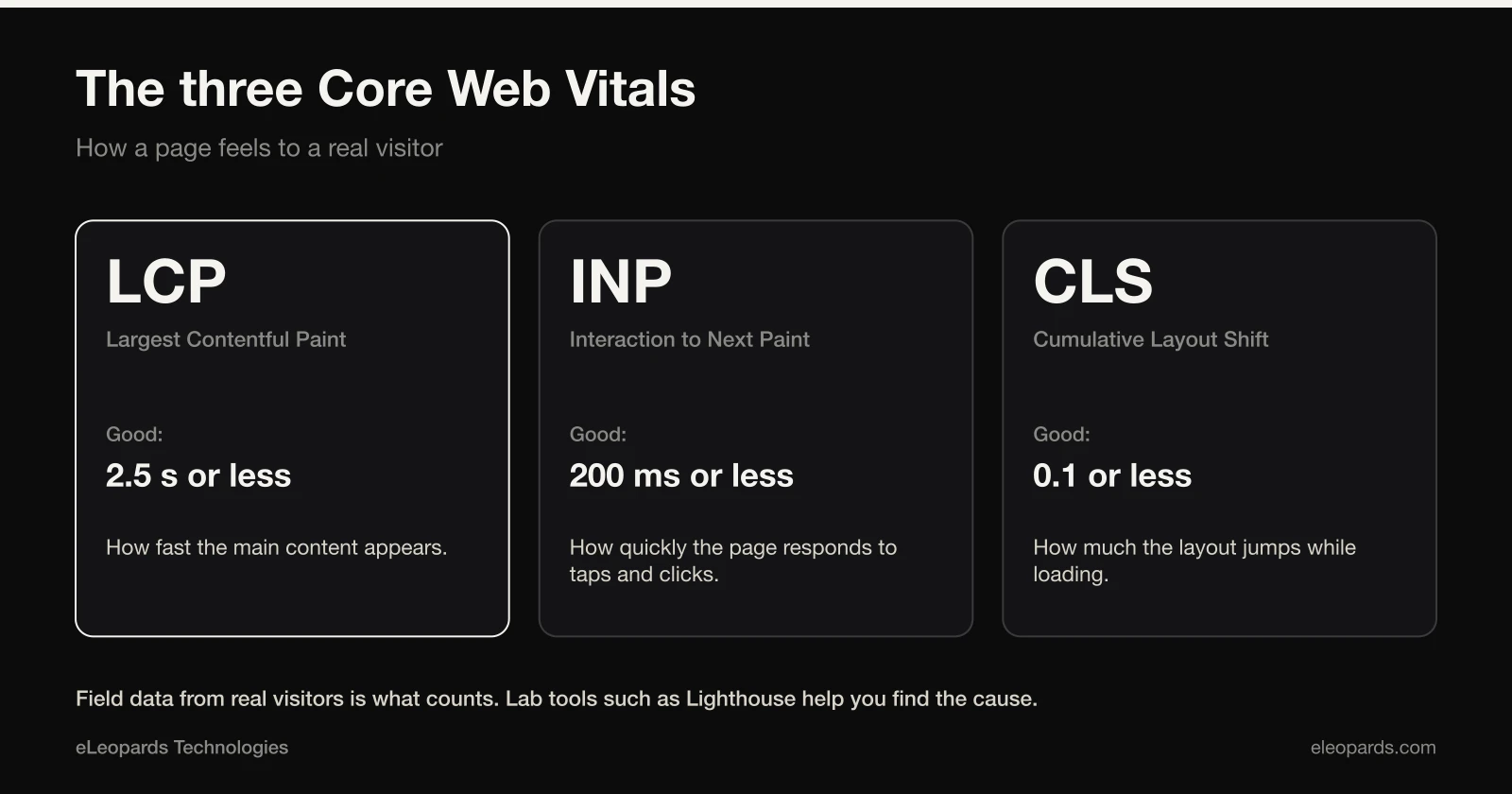
- LCP (Largest Contentful Paint): how quickly the main content appears. Aim for 2.5 seconds or less.
- INP (Interaction to Next Paint): how fast the page responds when someone taps or clicks. Aim for 200 milliseconds or less.
- CLS (Cumulative Layout Shift): how much the layout jumps while loading. Aim for 0.1 or less.
Quick wins for LCP
- Compress images and serve modern formats like WebP.
- Do not lazy-load the main image at the top of the page.
- Use a fast host and a CDN.
- Keep fonts and scripts lean.
Quick wins for INP
Reduce heavy JavaScript, defer third-party scripts such as chat widgets and trackers, and avoid long tasks that block the page.
Quick wins for CLS
Reserve space for images and embeds using fixed dimensions or aspect ratios, and avoid injecting banners above content after load.
Why these metrics matter to real people
Core Web Vitals try to measure how a page feels. Does the main content appear quickly, does the page react when you tap, and does the layout stay still while you read? A slow or jumpy page frustrates visitors, and they leave. Search engines use these signals as one part of how they judge page experience.
Lab data versus field data
Lab data comes from a test run in controlled conditions, like the score in Lighthouse. Field data comes from real visitors using real phones and connections. They can disagree, and field data is the one that reflects what your customers experience. PageSpeed Insights and Search Console show both when enough traffic exists.
A sensible order of work
- Fix the largest image or text block on the page first, since it drives LCP.
- Remove or delay scripts that block the page from responding.
- Set sizes on images, videos and ads so nothing jumps as it loads.
- Test on a mid-range phone, not only on a fast laptop.
What to do about a failing score
Do not chase a perfect number. Find the single biggest cause on your most important pages, fix it, measure again and repeat. Small, steady gains are easier to maintain than a one-off rebuild, and they keep the site fast as you add new content.
How to measure
Use PageSpeed Insights for a single page and the Core Web Vitals report in Google Search Console for your whole site. Test on mobile, where most visitors are.
Want help with this?
Tell us what you are working on and we will reply within one business day.
Start a Project